Compliance dashboard
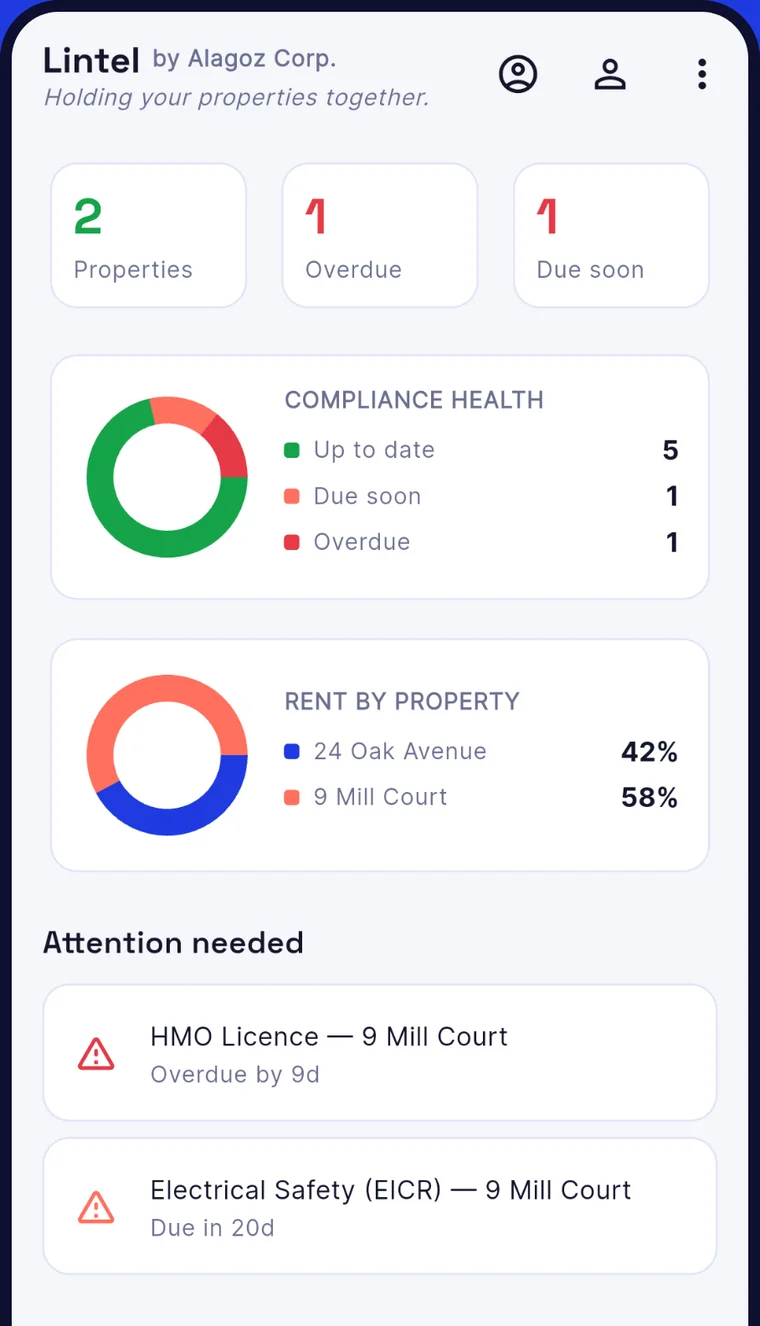
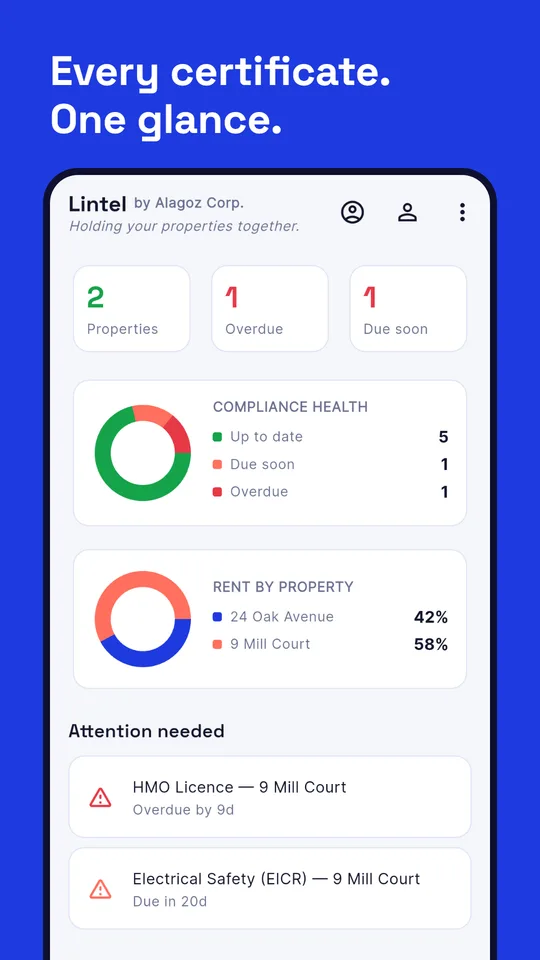
See at a glance what is valid, due soon or overdue across every property.
Gas safety, EICR, EPC and licence dates, rent and overdue payments, deposit deadlines. All in one place, on your phone. Built by a landlord, for landlords.
Everything you would otherwise chase across folders, emails and sticky notes, with reminders so nothing lapses.
See at a glance what is valid, due soon or overdue across every property.
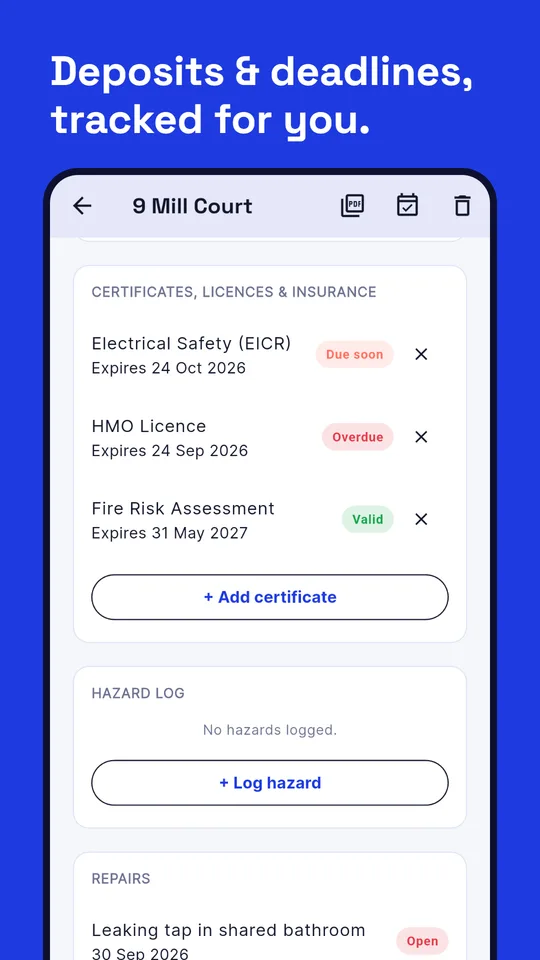
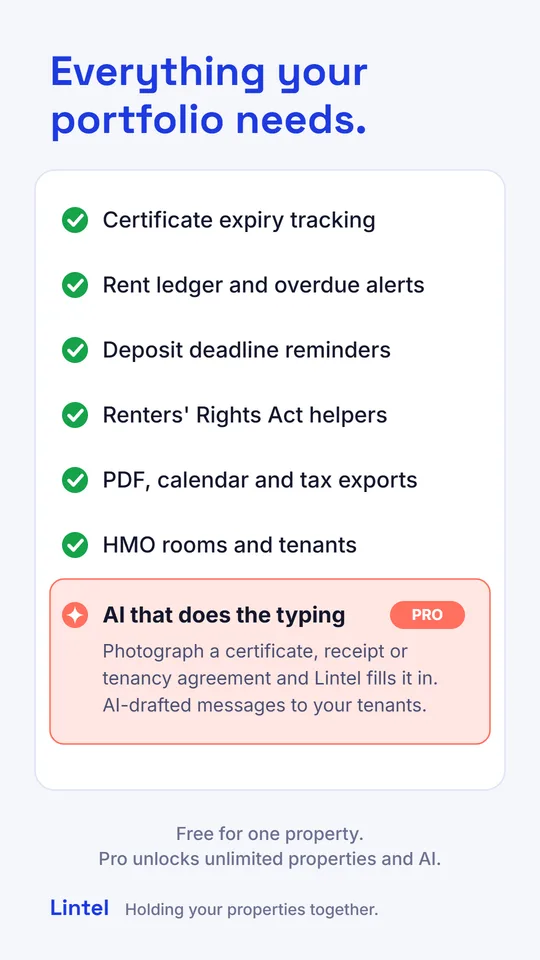
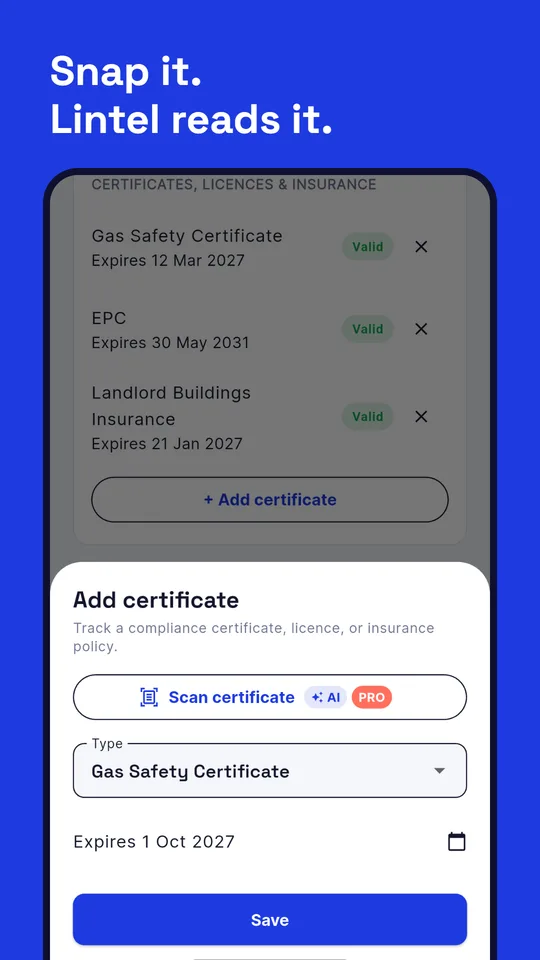
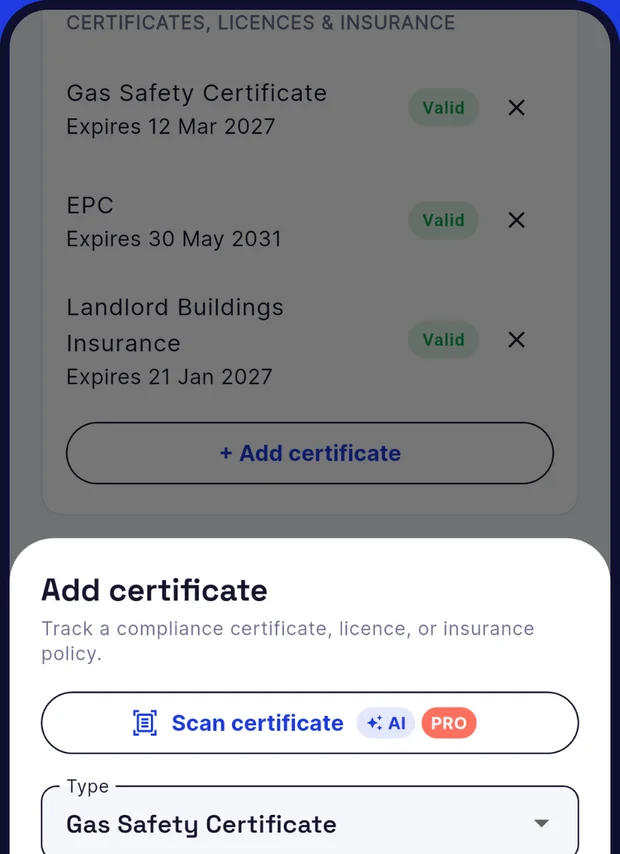
Track Gas Safety, EICR, EPC, HMO and selective licences, fire risk assessments and insurance expiry dates.
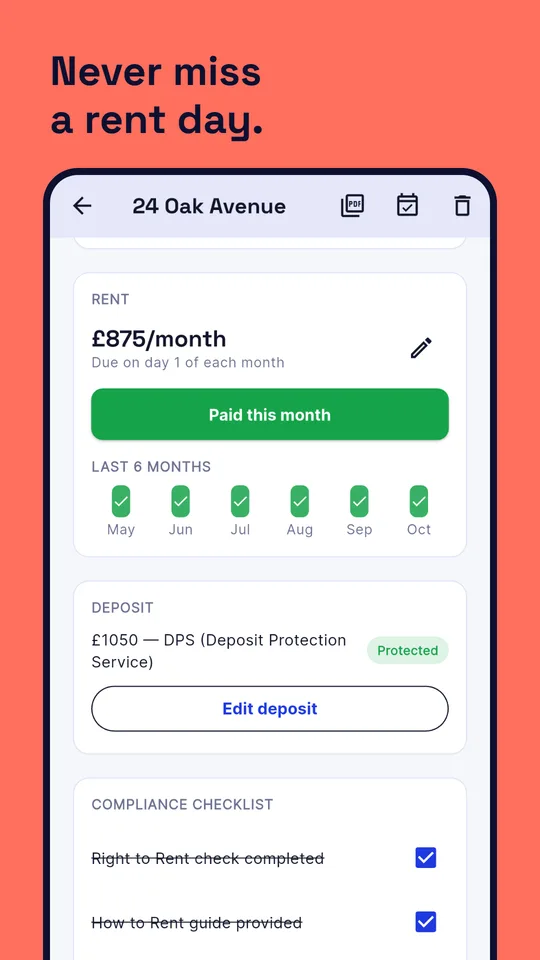
A monthly rent ledger with six months of history and alerts when payments are overdue.
Keep the 30-day protection deadline and scheme details in view for every tenancy.
Right to rent, smoke and CO alarms, Legionella risk assessment and more, ticked off per property.
Log Section 13 rent-increase notices, pet requests with their 28-day response window, and hazard reports.
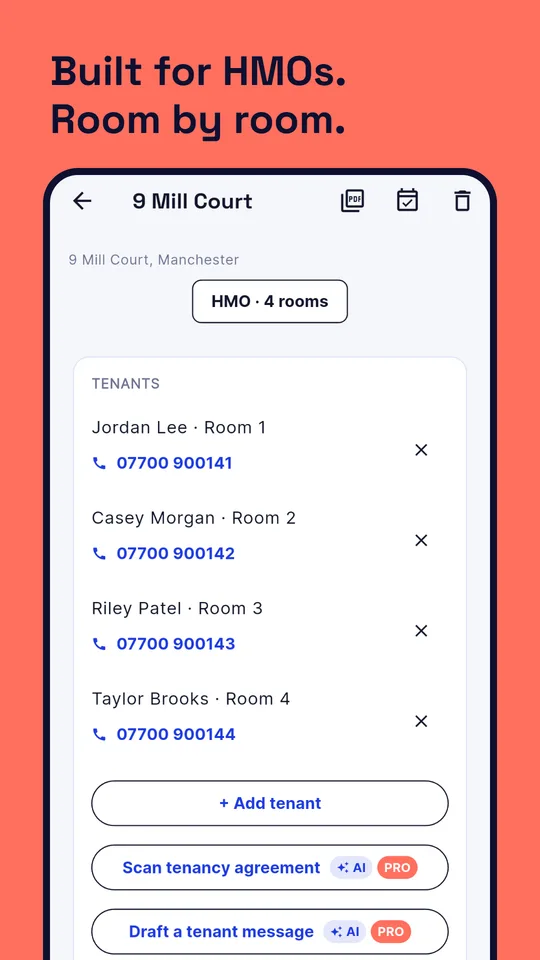
Rooms and tenants per room, so shared houses are as easy to manage as single lets.
Local notifications for rent and expiries, set up on your phone with no account needed.
A PDF compliance report, a calendar file for your diary, and a tax-year CSV for your accountant.
Each tenant gets a welcome email and their own page: rent, deposit scheme, shared certificates, and a simple way to report repairs with photos.
Attach the gas safety certificate, tenancy agreement and inventory to each property. On a computer, just upload the file.
Use Lintel on your phone and in your browser. What you change in one shows up in the other.
Sample data shown. Names and addresses are made up.
AI results can be wrong, so always check them. Lintel is not legal advice, and the AI never produces formal legal notices. Photos and text you submit are sent securely to our AI provider to produce the answer, and are not kept by Lintel. Read how it works.
Everything you need to stay on top of one property is free, with no ads and no account.
For one property, no account needed.
or £59 a year, which saves about 30%.
Pro is billed through Google Play and can be cancelled at any time. Beta testers get the Pro features free while the beta runs.
Sign in to your tenant portal to see your rent details, your deposit scheme and the safety certificates your landlord has shared, and to report a repair. You need the email address your landlord has for you. There is no password: we email you a code.
Landlords hold other people's details, so Lintel is built to hold as little as possible.
Properties, tenants, rent and certificates live on your phone. You don't need an account to use Lintel.
Sign in with Google if you want sync, stored documents or the tenant portal. Nothing leaves your device until you do, and you can delete it all in one tap.
No adverts, no tracking of what you enter, and we never sell your data.
Lintel is in closed testing on Google Play. Help shape it before launch, it takes two minutes.
 Scan with your phone
Join the group first, then this opens the Lintel beta page.
Yes for one property, with everything except the Pro features. Lintel Pro adds unlimited properties, the tenant portal, document storage, sync between devices and the AI features for £6.99 a month or £59 a year, with a 14-day free trial for new subscribers.
No. Lintel works without one. You only sign in with Google if you want sync, the tenant portal, stored documents or Pro.
A web page for your tenants at lintelbyalagoz.com/tenant. When you add a tenant with an email address and turn the portal on, Lintel emails them a welcome pack. They can then see their rent and due date, their deposit scheme, your contact details and the certificates and documents you choose to share, and report repairs with photos. You see the reports in your Repairs list and set where each one stands. They do not need to install anything. It is part of Lintel Pro, and works for single lets and house shares.
With their email address, their full name and their phone number, all of which must match what you have on record for them. Lintel then emails a 6-digit code that works for 10 minutes, so there is no password to forget. Details alone are never enough: someone also needs access to the tenant's email. A tenant needs both an email address and a phone number in your records to be invited.
On your phone or computer. If you sign in, a copy is stored on our server hosted on Cloudflare, along with any documents you upload and, if you use it, what your tenants may see in the portal. Tenant emails are sent through our email provider, Resend. If you use the AI features, the photo or text is sent securely to our AI provider to produce the answer and is not kept by Lintel. Details are in the privacy policy.
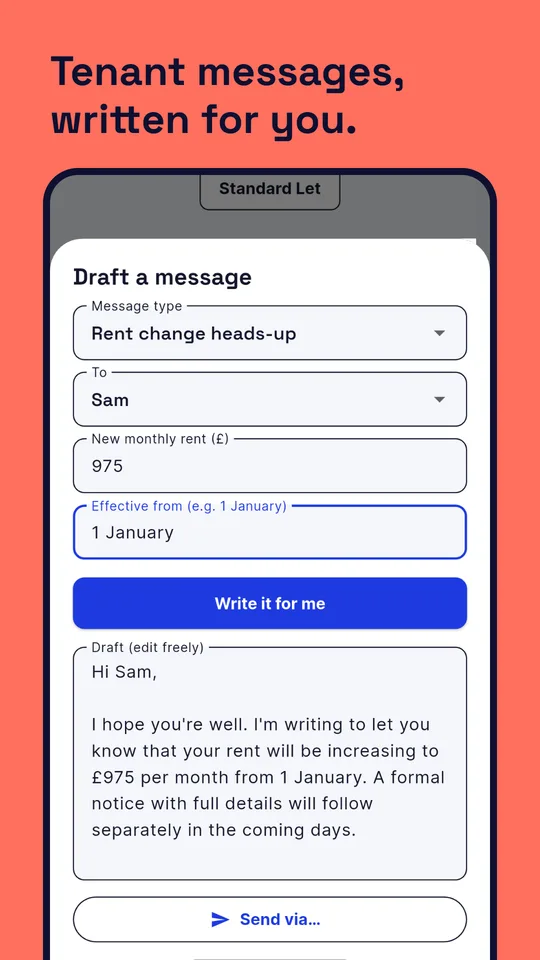
No. The AI reads documents and drafts messages for you to check and edit. It never produces formal legal notices, it can be wrong, and Lintel is a record-keeping tool, not legal, tax or financial advice.
Yes on your phone, apart from the parts that need the internet: sign-in, sync, documents, the tenant portal and the AI features.
Lintel is built for UK landlords. Certificate and deadline tracking is useful anywhere in the UK. Some helpers, such as the Renters' Rights Act ones, follow England's rules, so always check current requirements with official government guidance.
Not yet. Lintel is on Android first.
Cancel Pro in the Google Play app under Payments and subscriptions. To delete your account, documents and cloud data, open Account in Lintel and tap "Delete account and backup", or see how to delete your data.